
Best Apps for Plumbers: What Your Techs Will Actually Open
Most software comparisons are written from the owner's chair. This one is written from the passenger seat of the truck, because that is where plumbing software succeeds or dies: if the tech will not open the app, your expensive platform is a scheduling tool for the office and a rumor for the field. Here is what earns a place on a plumber's home screen — the platform apps ranked by field usability, then the specialist apps around them.
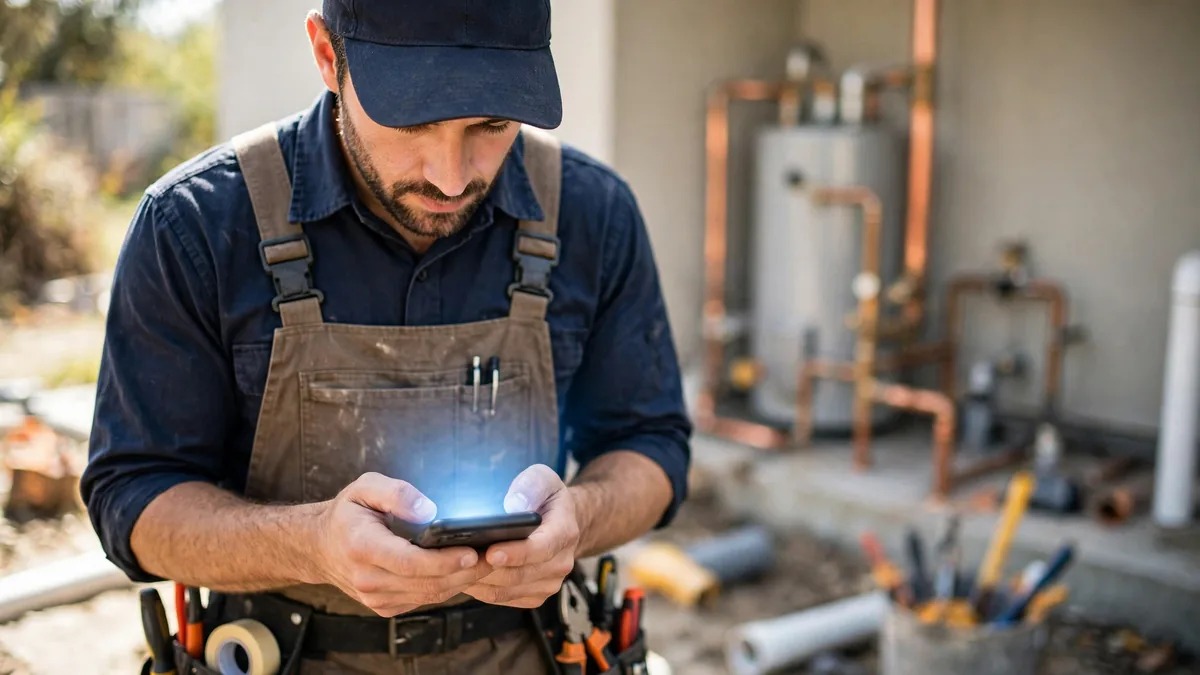
Most software comparisons are written from the owner’s chair. This one is written from the passenger seat of the truck, because that is where plumbing software succeeds or dies: if the tech will not open the app, your expensive platform is a scheduling tool for the office and a rumor for the field. Here is what earns a place on a plumber’s home screen — the platform apps ranked by field usability, then the specialist apps around them.
What makes a plumber app good in the field?
| Field test | Why it decides adoption |
|---|---|
| Opens to today’s jobs in one tap | Techs check the app at 6 a.m. in a driveway, not at a desk |
| Job details complete offline-ish | Basements and crawlspaces eat signal; addresses and notes must be there |
| Photos attach in seconds | Before/after photos are your liability shield and your review fuel |
| Invoice and payment in under a minute | The tech who collects at the door ends the accounts-receivable problem |
| Big targets, gloves-off navigation | It will be used with wet hands, in glare, one-handed |
How do the platform apps rank for techs?
Jobber — the benchmark. The day view, job card, quote, invoice and payment flow are one continuous motion, and new techs genuinely learn it in an afternoon. It lacks the phone system and the hard-sell tooling, and that restraint is why techs like it. Parent platform ranked in best plumbing software.
Housecall Pro — the seller’s app. Estimates present options beautifully, financing appears at the right moment, and the homeowner experience around the appointment (notifications, tracking) makes the tech look professional before he rings the bell. Slightly denser than Jobber; the extra taps buy close rate on replacement work.
Workiz — the communicator’s app. Calls, texts and recordings live in the same app as the job, so the owner-operator who is also the dispatcher and the tech runs his whole business from one icon. The interface carries that density, but for a small crew the trade is worth it — see Workiz vs Jobber.
Service Fusion and FieldEdge — the price-book apps. Techs in flat-rate shops live in the task book, and these two present and sell tasks best. Their apps feel more like tools than feeds, which veteran techs often prefer and new hires need a day longer to learn.
What specialist apps belong next to the platform?
- Measure and camera tools — your phone’s measure app and a timestamped camera habit beat any specialty purchase; job photos with context (meter readings, serial plates, shutoff locations) are worth more than filters.
- Manufacturer and supply-house apps — water heater and fixture documentation, parts lookup and your supply house’s ordering app save the mid-job parts run more reliably than anything else on this list.
- Maps with traffic — the dispatch board decides the order of jobs, but the tech’s map decides the day; a shared “next address” discipline between office and field kills the most common morning friction.
- The company messaging channel — one channel, named and enforced. The app does not matter; the rule that job changes never travel by personal text does.
What does a tech’s day look like inside each app?
Follow one tech through a Tuesday. 6:40 a.m. — the day is already visible: in Jobber, a clean list of jobs with addresses and notes; in Housecall Pro, the same list plus the appointment polish the customer sees; in Workiz, the list plus overnight messages and the missed-call queue the owner-operator-tech answers from the truck. 9:15, job one done — photos before he leaves the driveway (all five apps make this two taps; the shops that require it never lack for documentation), invoice sent or payment taken on the spot. 12:30, the scope grows — the repair becomes a replacement: Jobber’s app builds the new quote from saved items, Housecall Pro’s presents the financed option that saves the sale, Service Fusion’s pulls the flat-rate task with margin already inside, FieldEdge’s checks the property’s equipment history before anyone promises a warranty.
3:45, the emergency insert — dispatch moves a burst-pipe call onto his route. The push arrives with the address and the gate code; in Workiz’s case it arrives with the customer’s own voice attached, since the call lives in the same record. 5:30, day closed — his times, notes and collected payments are already the office’s record; nobody retypes anything at 7 p.m. That unbroken chain — morning list to evening record, in the app the tech tolerates — is the whole game. Every app comparison that ignores the tech’s Tuesday is theater; judge yours on his, including the basement with one bar of signal where the job notes either load or the app fails its real exam.
What do techs hate — and how do the good apps avoid it?
Ask a room of plumbers what they hate about apps and the list is short, specific and entirely fair. Double entry — writing the same note in the app and on the paper ticket “just in case” — is the adoption killer, and it is a management artifact, not a software one: kill the paper on day one or the app loses. Login friction — passwords re-demanded in a customer’s driveway — sends techs back to texting the office; the good apps stay signed in and unlock biometrically, and your rollout should verify that setting on every phone. Tiny tap targets and form avalanches — a completion screen with fourteen required fields will be completed fictionally; configure your job forms down to what the office genuinely uses, because every unused field is a tax on the used ones. Surveillance vibes — GPS presented as oversight rather than as “so the office can give honest ETAs” poisons a feature that actually protects techs (the timeline that proves he was there at 9). And the 4:58 p.m. sync failure — the day’s photos stuck on a phone overnight — is why the basement test in this guide matters more than any app-store rating. Rank the apps by how they treat these five hates and you will find the field ranking barely changes; what changes is your confidence that the ranking was built from the truck outward, which is the only direction it was ever going to be true.
What is the right way to roll out a new app?
Pilot it with your most patient tech for one week — not your most technical one, your most patient one — on real jobs, in parallel with the old system. Fix the price book and job templates from his complaints. Then flip the whole crew on a Monday with the old system read-only, and make the app the sole source of addresses and job notes from that morning. Two weeks of that and the habit is set; two months of “use either” and you will be paying for a platform your crew routes around. The scheduling side of the rollout is covered in our plumber scheduling app guide, and the platform decision itself in the field service software for plumbers roundup.
The tools in this guide, side by side
| Software | Best for | Pricing model | Trial | Visit |
|---|---|---|---|---|
| Jobber | The tech app with the shortest learning curve | Plans from $29/mo annual | 14-day free trial, no card required | Official site |
| Housecall Pro | Selling at the kitchen table: options and financing in-app | Essentials $149/mo annual | 14-day free trial, no card required | Official site |
| Workiz | The app that is also the business phone | Lite free; paid reported ~$187+/mo | Free tier to start | Official site |
Pricing notes verified against vendor pricing pages in October 2026. Vendors change plans and run promotions often — confirm the current number on the vendor's page before you buy.
Frequently asked questions
What is the best all-in-one app for plumbers?
Jobber's app, for most techs: it shows the day, the job details, the customer history, and walks quote-to-invoice in a flow a new hire learns in an afternoon. Housecall Pro's app is nearly as polished and better for selling options and financing at the kitchen table. Workiz's app uniquely carries the business phone line itself.
Are there free apps for plumbers?
Yes. Workiz Lite is a free tier of a real platform (2 users, about 20 jobs a month), and the platform trials — Jobber and Housecall Pro both give 14 days — are long enough to judge an app on real work. Utility apps around the platform (measure, flashlight, unit conversion) are mostly free or a few dollars.
Do plumbers need a separate invoicing app?
Almost never, once you run a platform. Jobber, Housecall Pro, Workiz, Service Fusion and the rest all invoice from the same app that scheduled the job, and a separate invoicing app just splits the record. Our invoicing software guide covers the cases where a standalone tool still makes sense.
What app do plumbers use for flat-rate pricing?
Usually the price book inside their platform: Service Fusion and FieldEdge are the flat-rate specialists, with task books the tech can present and sell from. Jobber shops typically encode flat-rate tasks as line items and packages. See the flat-rate pricing software guide for the full picture.
How do I get my techs to actually use the app?
Three rules from watching rollouts succeed and fail: pick the app with the shortest learning curve for your least technical tech (usually Jobber); make the app the only place job details exist — no side-channel texts with addresses; and pay from the app's record for two weeks so completing it properly matters. Resistance collapses when the app is the job.