
Plumbing Dispatch Software: The Board That Survives a Bad Morning
Dispatch is the beating heart nobody demos properly. Vendor tours show a clean Tuesday board with six tidy jobs. Your real board has a sick tech, a no-show customer, an emergency call, a job that just doubled in scope, and a parts run — by 8:15 a.m. This guide evaluates the major platforms' dispatch on re-planning speed, visibility and the information the dispatcher has at the moment of decision.
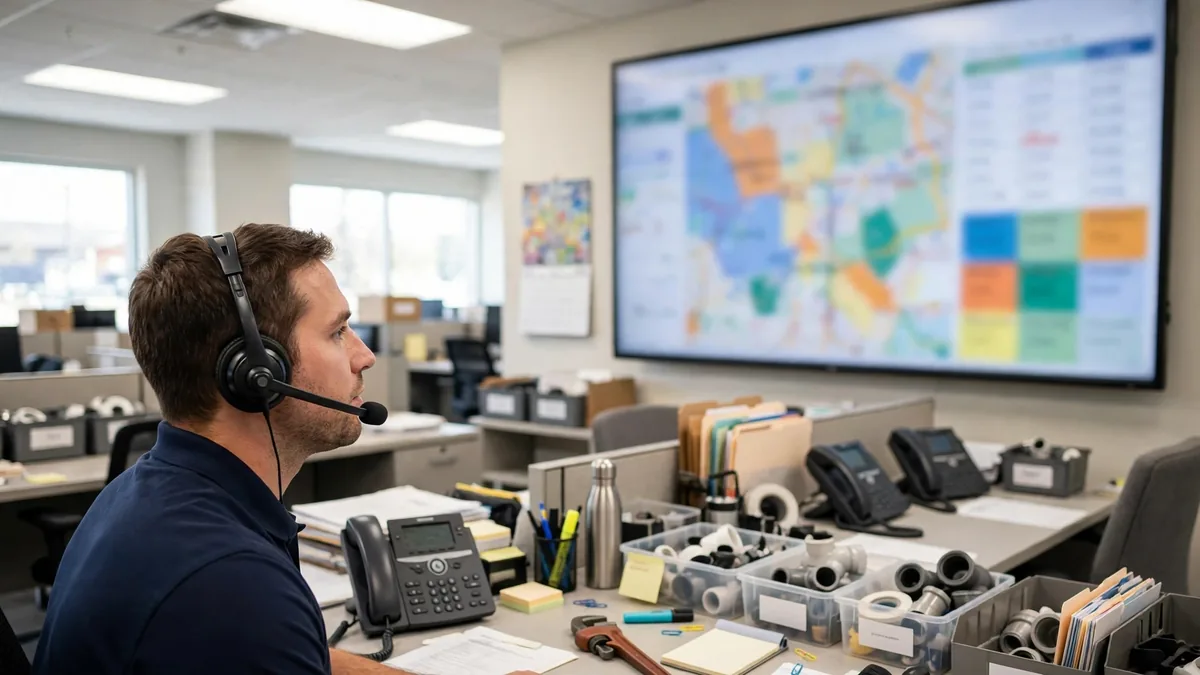
Dispatch is the beating heart nobody demos properly. Vendor tours show a clean Tuesday board with six tidy jobs. Your real board has a sick tech, a no-show customer, an emergency call, a job that just doubled in scope, and a parts run — by 8:15 a.m. This guide evaluates the major platforms’ dispatch on re-planning speed, visibility and the information the dispatcher has at the moment of decision.
What does a great dispatch board do?
| Capability | Why the dispatcher cares |
|---|---|
| Whole day at a glance | Techs, windows, statuses — understood in 3 seconds |
| Drag-and-drop reassignment | The sick-tech drill must be a 2-minute job |
| Automatic notifications | Tech and customer learn of changes from the move itself |
| Map + GPS view | Honest ETAs and sane geographic grouping |
| Job context attached | Notes, photos, gate codes, prior visits — inside the card |
| Unscheduled queue | Emergency calls land somewhere visible, not in a notebook |
How do the platforms’ boards compare?
Jobber — the hand-driven benchmark. The calendar and team view are the clearest in class, status colors read instantly, and reassignment-plus-notification is genuinely a few clicks. For a dispatcher re-planning by feel and knowledge of her techs, nothing here gets in her way. Full platform context in Jobber pricing and the best plumbing software pillar.
ServiceTitan — dispatch as a discipline. Capacity management, skills and zone-based assignment, and the call board that ties inbound calls to booking outcomes. At 30 techs this machinery prevents chaos no human can hold in their head; at 6 techs it is ceremony. Priced accordingly — see ServiceTitan pricing.
Workiz — the board with ears. Because the phone system is native, the dispatcher sees and hears the actual call that created each job — promised window, customer’s words, the gate code mentioned once at the end. That context quietly ends most “nobody told me” failures. Argued fully in Workiz vs Jobber.
Housecall Pro — the customer-experience board. GPS tracking and polished appointment notifications make the company look organized to homeowners, which is a dispatch feature too: fewer “where is he?” calls land on your dispatcher. Its board mechanics are good; its halo is the homeowner-facing layer.
Service Fusion and FieldEdge — record-deep boards. Less visual sparkle, more history: every card opens into years of work orders, equipment and agreement status. Dispatchers in established shops often prefer exactly this, because the 9 a.m. decision is usually about the property’s past, not the day’s geometry.
What does the dispatcher actually see at 6:45 a.m.?
Picture the job from the chair, because that is who this software serves. She has a coffee, four techs, twenty-one jobs, one customer who has already called twice, and a weather forecast that will flood somebody’s crawlspace by noon. What she needs from the board, in the order she needs it: yesterday’s leftovers (the jobs that did not finish, already flagged, not buried); today’s shape (who is heavy, who is light, which jobs are estimates that might balloon); the promises (windows given, parts promised, the customer who must be first because she is leaving for a flight); and the trapdoors (the job at the gated property, the building that needs a COI on file, the repeat address with the dog).
Grade each platform on those four and the marketing copy falls away. Jobber shows her the day’s shape fastest — the board is built for her eyes. Workiz arms her with the promises: the call recordings mean she never dispatches blind into “but he said Tuesday.” ServiceTitan gives her the analytics underneath (which jobs of this type run long, which tech closes estimates) that make her assignments smarter by the month — real, but only legible once there is volume. Service Fusion and FieldEdge give her the property’s history at a depth the others do not match; in older housing stock, that history is the dispatch decision — the tech who has been inside that building before goes back.
Then there is the second screen of modern dispatch: the customers watching. Housecall Pro’s appointment notifications, Jobber’s client hub, Workiz’s text thread — the homeowner who can see “your tech is two stops away” does not call the office, and every call she does not make is a dispatch interruption that does not happen. When you trial, count interruptions. The best board is the one that makes the phone quieter.
What separates a board from a mere calendar?
Every phone has a calendar; nobody runs a plumbing company off one past the second truck. The differences that make software a dispatch tool rather than a datebook are worth naming precisely, because they are what the subscription buys. Status as data: a calendar knows a job exists; a dispatch board knows it is quoted, confirmed, en route, in progress, done, invoiced — and ages each state visibly, so a job stuck at “quoted” for three days announces itself. The customer attached: history, gate codes, prior photos, the balance they still owe — the calendar event “Smith, 9 a.m.” carries none of that, and dispatch decisions made without it are coin flips. Consequences wired in: moving a job on a real board notifies the tech, texts the customer, re-times the invoice’s expectations and re-flows the day’s route; moving a calendar block notifies nobody and lies to everybody. And a memory: when the same address books again in November, the board remembers March. That is the whole product category in one paragraph — and it is why the field service platforms bundle dispatch inseparably with the record. If a tool shows you a prettier calendar and none of these four, you are not looking at dispatch software; you are looking at stationery with a login.
How do you test dispatch software before buying?
Run the bad-morning simulation in the trial, with your real dispatcher driving:
- Load a realistic full day for all your techs.
- “Remove” your busiest tech at 7 a.m. Re-plan the day. Time it.
- Insert an emergency call mid-route for a customer with a gate code and a dog.
- Split a job that just became two visits, days apart, and bill the first part.
- Notify everyone affected — without picking up a phone.
The platform where your dispatcher finishes smiling is your dispatch software, whatever the feature grid said. This test is also why the plumber scheduling app question — booking the work in the first place — is the dispatch board’s other half: a board is only as good as the schedule discipline feeding it.
The tools in this guide, side by side
| Software | Best for | Pricing model | Trial | Visit |
|---|---|---|---|---|
| Jobber | Fastest hand-driven board for small and mid-size shops | From $29/mo annual; Connect $99/mo | 14-day free trial, no card required | Official site |
| ServiceTitan | Capacity, skills and call classification at scale | Quote-only; reported $245–$500/tech/mo | Demo and quote only | Official site |
| Workiz | Board + the recorded call that created the job | Lite free; paid reported ~$187+/mo | Free tier to start | Official site |
| Housecall Pro | Board with GPS tracking and homeowner ETA polish | Essentials $149/mo annual | 14-day free trial, no card required | Official site |
Pricing notes verified against vendor pricing pages in October 2026. Vendors change plans and run promotions often — confirm the current number on the vendor's page before you buy.
Frequently asked questions
What does dispatch software do for a plumbing company?
It is the live board of the day: every job, every technician, every time window, and the tools to assign, move, split and re-route work as the day changes. In practice dispatch lives inside the main platforms — Jobber, ServiceTitan, Workiz, Service Fusion, FieldEdge, Housecall Pro — rather than as a standalone product.
Which dispatch board is easiest to re-plan when a tech calls in sick?
Jobber's. Drag the sick tech's jobs onto colleagues, and the customers and techs get notified from the same screen. Shops rehearse this exact move in trials because it happens monthly. ServiceTitan handles it with more structure (skills, zones, capacity), which pays off past 20 techs but is slower to drive for a small office.
Does dispatch software include GPS tracking?
At the right tiers, yes: Housecall Pro adds GPS tech tracking at Essentials and above, ServiceTitan and FieldEdge offer location views for larger operations, and Jobber shows job locations on the map view. Use tracking for dispatch decisions and honest ETAs — not surveillance theater that your best techs will resent.
Can dispatch software handle on-call rotations and emergencies?
Yes. All six platforms support unscheduled insertion and after-hours assignment; Workiz and ServiceTitan strengthen it with call handling — the recorded emergency call lands in the job record, and unbooked calls get flagged for follow-up. Our field service software guide covers the emergency workflow end to end.
Should I buy separate dispatch software?
No. Standalone dispatch tools create a second source of truth that drifts from invoicing and customer records. Every serious plumbing platform includes dispatch; choose the platform whose board your dispatcher moves fastest in, and let that weigh heavily in the overall decision.